🔒 How PhantomProtect Works
PhantomProtect uses the macOS Network Extension framework to create a local, on-device traffic filter. It inspects network packets on your Mac and blocks connections to known malicious destinations. We do not host a remote VPN server. We do not tunnel your traffic through third-party infrastructure. All filtering happens locally, keeping your data private and under your control.
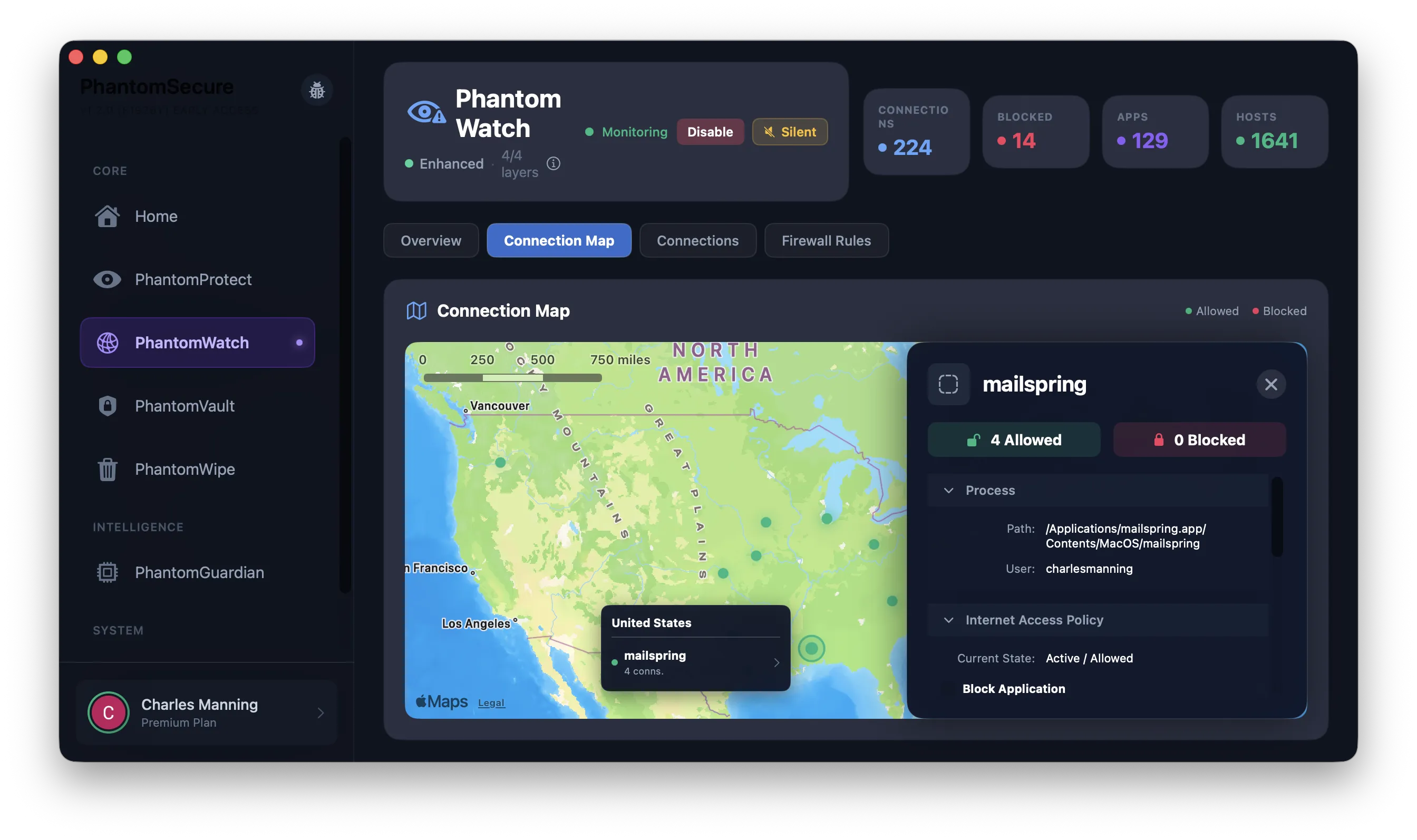
DPI & Observability Layer
PhantomProtect analyzes active sockets and intercepts raw network flows via macOS System Extensions. Acting as a split-architecture firewall, it provides absolute security alongside real-time dashboard telemetry.
- ✓ On-Device DPI: All packet inspection happens locally, analyzing connections before they execute.
- ✓ PhantomWatch Dashboard: Streaming telemetry visualizes geographical endpoints and specific apps calling home.
- ✓ <5ms Threat Lookups: Powered by SwiftData and hierarchical Bloom filters for instant active blocking.
- ✓ DNS Privacy Proxy: Prevents third-party DNS logging via encrypted DoH/DoT encapsulation.
YARA-X & Intel Pipelines
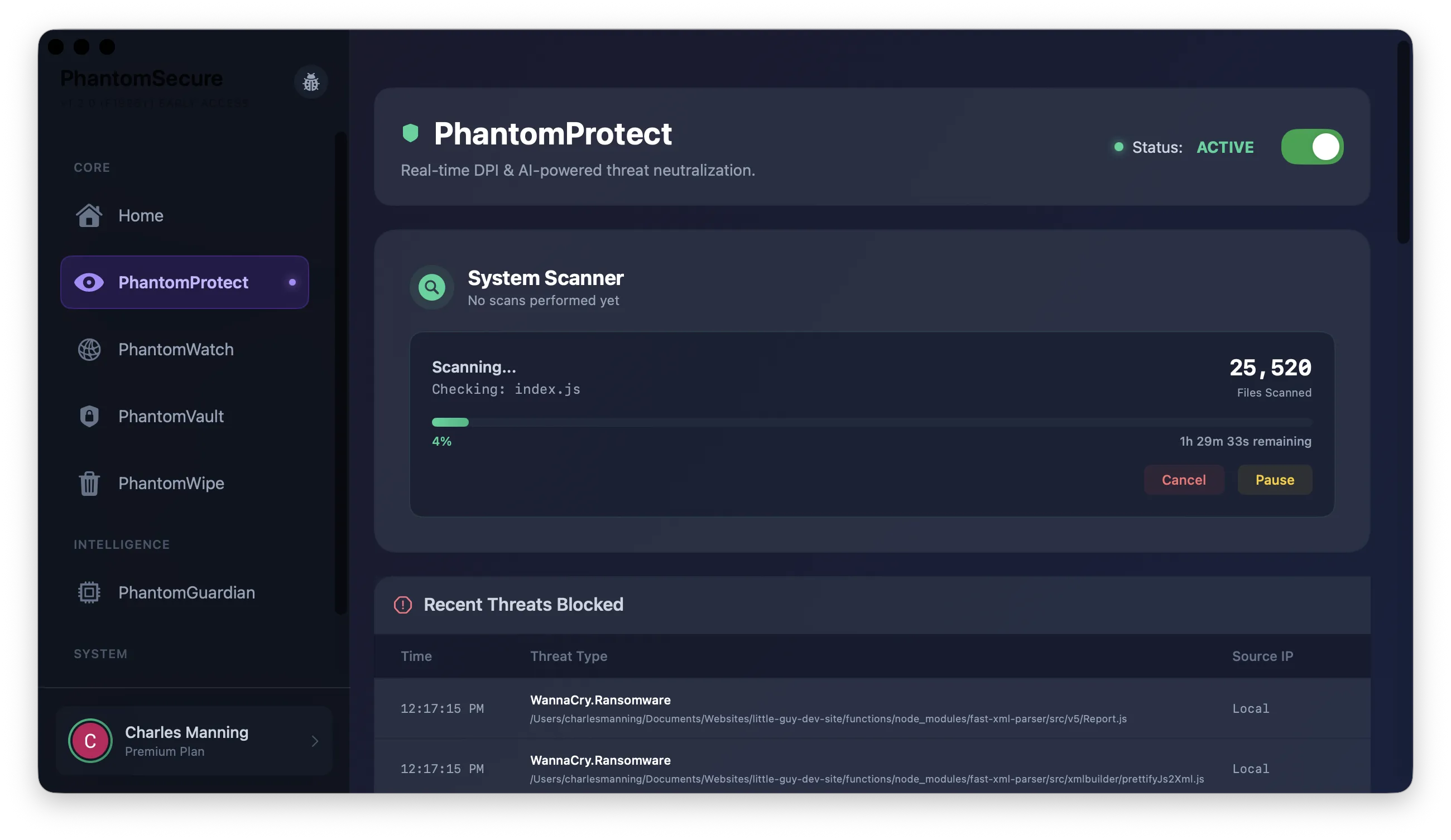
Beyond basic IP blocking, PhantomProtect relies on multi-source intelligence gathering and Endpoint Security sandbox file monitoring using behavioral signatures.
- ✓ YARA-X Engine Integration: Conducts deep byte-signature matching against file structures in transit.
- ✓ 9 Intelligence Sources: Multi-tiered database ingested from feeds like URLhaus and AlienVault.
- ✓ OHTTP Privacy Lookups: Utilizes Privacy Pass and external relays for perfectly anonymous threat queries.
- ✓ Subtle Zero-Day Heuristics: Flag suspicious structural traits that precede common malware behavior.
Smart Activity Modes
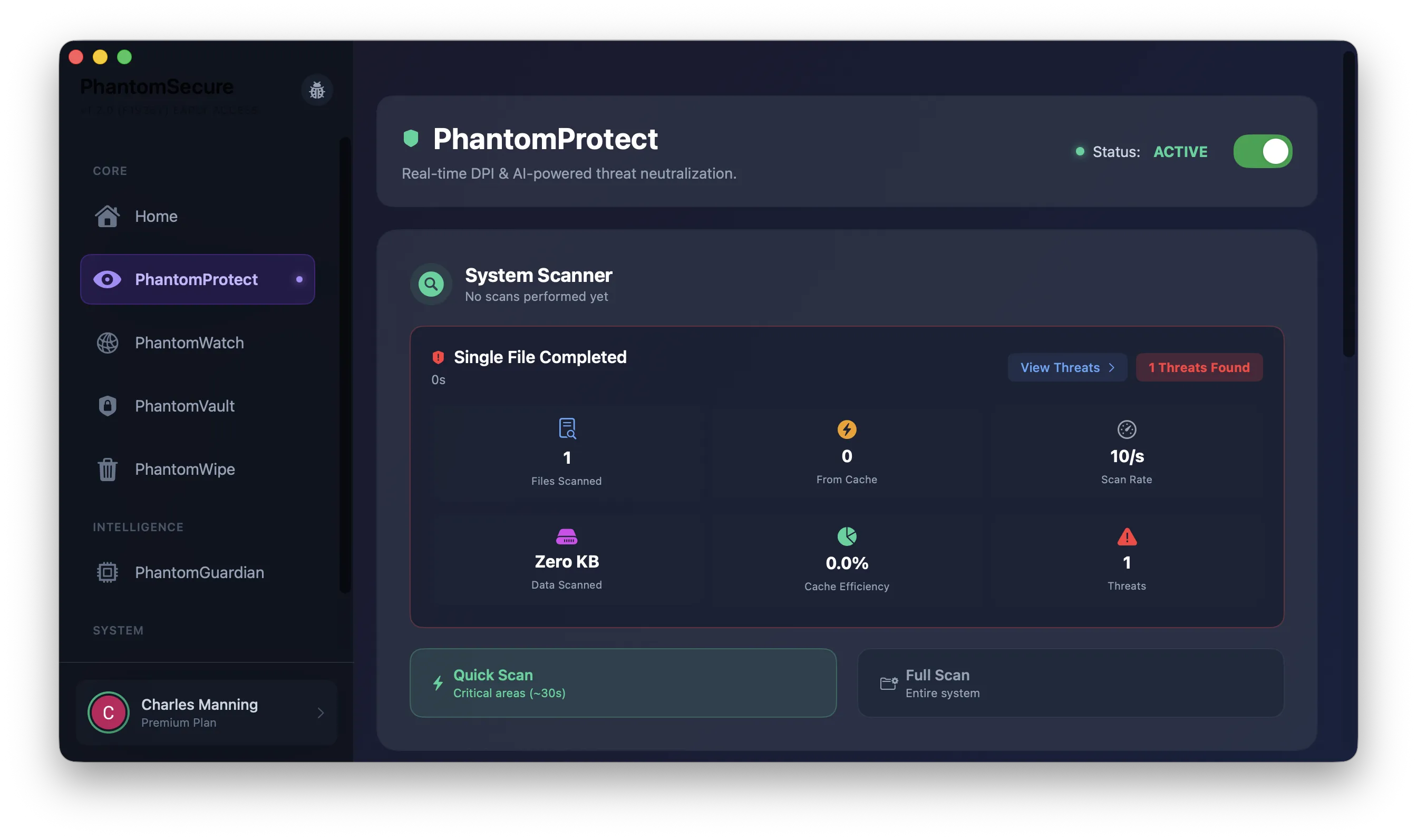
PhantomProtect automatically adjusts its protection level based on what you're doing, so you get the right balance of security and performance for every situation.
- ✓ Gaming Mode: Minimizes latency impact while maintaining core protection
- ✓ Work Mode: Balanced protection with full threat monitoring
- ✓ Browsing Mode: Maximum protection for web browsing and downloads
- ✓ Zero Data Collection: All processing stays on-device — we never see your traffic