In today's digital age, our devices hold the keys to our most sensitive information—financial records, personal journals, confidential work documents, and private communications. While standard encryption and passwords provide a baseline of security, they often fall short when you are compelled to hand over your device or password, whether by nosy acquaintances, border control, or under severe duress. For macOS users, relying solely on FileVault may not be enough against targeted physical extraction.
This is where hidden vaults come into play for ultimate privacy. A hidden vault doesn't just lock your data and protect your privacy; it conceals the very existence of the files. It operates on the principle of plausible deniability. If an adversary or bad actor doesn't know the data exists, they can't force you to decrypt it.
How PhantomVault Works on macOS
PhantomSecure's built-in PhantomVault takes this concept to the next level specifically for Apple Silicon and macOS 26. Instead of just putting your files in a standard encrypted folder that screams "I have secrets," PhantomVault uses advanced cryptographic obfuscation and psychological decoy techniques. This ensures your true data remains completely invisible and cryptographically secure via AES-256-GCM and post-quantum algorithms to anyone without the exact credentials.
Full Feature Audit of PhantomVault
Here is a breakdown of the powerful security features integrated into PhantomVault:
1. Decoy Passwords
PhantomVault allows you to set up a secondary "Decoy Password." When this password is entered instead of your real one, the app opens a completely fake vault containing harmless, innocuous files that you've pre-selected.
- Why it matters: This is perfect for situations where you are forced to reveal a password or when you need to show someone your vault without exposing your actual sensitive data.
2. Panic Passwords
For extreme emergencies, PhantomVault features a "Panic Password." Entering this password triggers a predefined emergency action instead of your regular vault.
- Why it matters: Entering the panic password can automatically wipe your most sensitive data or safely show a severely limited, locked-down view of the vault, with absolutely no indication to the observer that a panic mode was triggered. Data destroyed this way cannot be recovered, protecting you under extreme duress.
3. File Disguise & Plausible Deniability
Standard encrypted containers look suspicious. A massive file named data.enc immediately
raises red flags for whoever is looking at your storage.
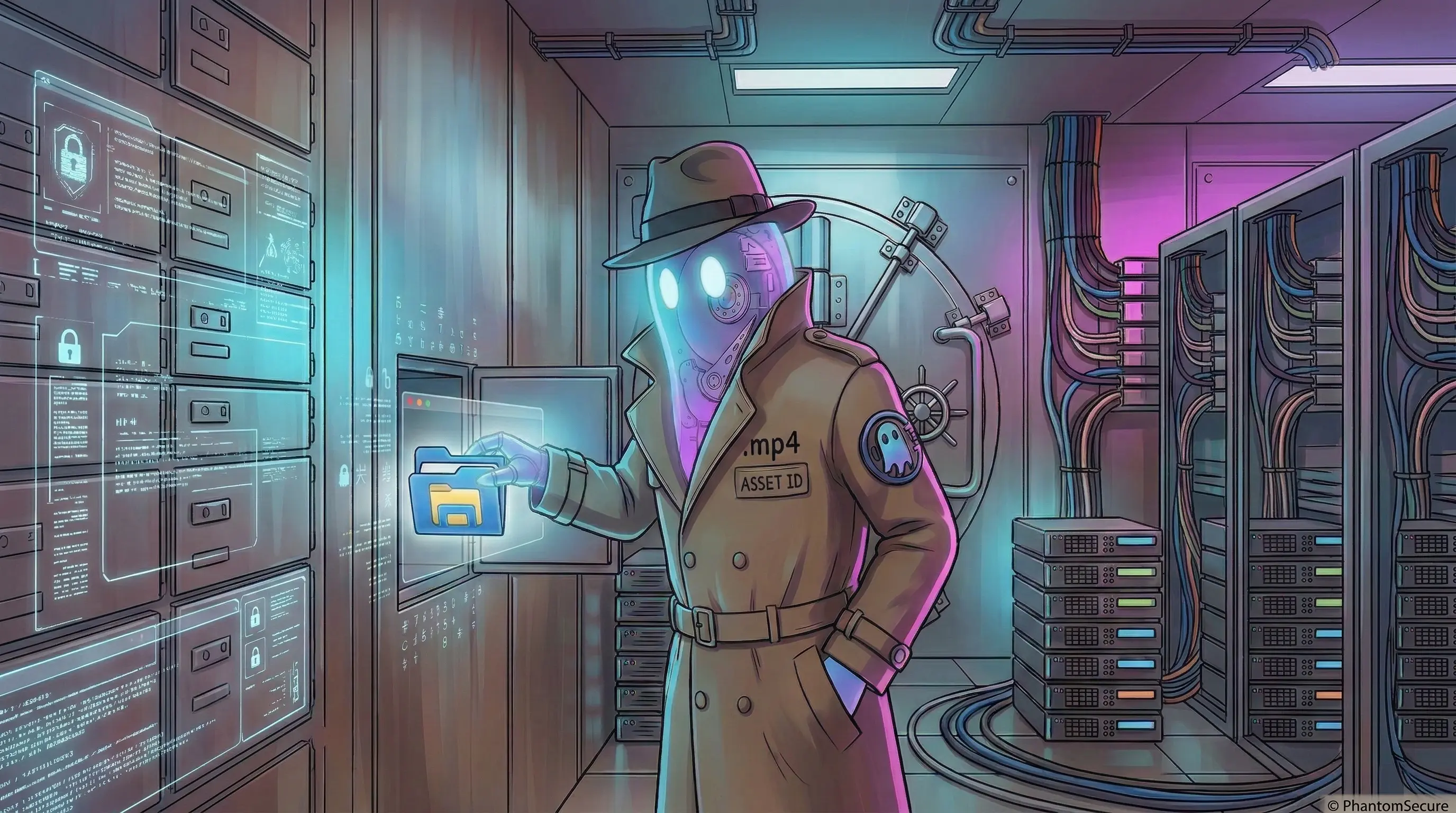
- Why it matters: PhantomVault allows you to disguise your vault as a completely common file type—such as a large movie file (.mp4 or .mkv). By masquerading as media, the large file size looks natural and escapes routine scrutiny.
4. Fake Metadata Injection
To make the file disguise foolproof, PhantomVault supports injecting fake metadata securely.
- Why it matters: You can alter the perceived file size, creation dates, and media metadata. If someone inspects the disguised file, all properties match what an ordinary media file should look like, solidifying the illusion.
PhantomVault isn't just about encrypting files; it's about giving you peace of mind even in the most compromising situations. By combining robust encryption with psychological security measures like decoy and panic passwords, your data remains truly yours.